
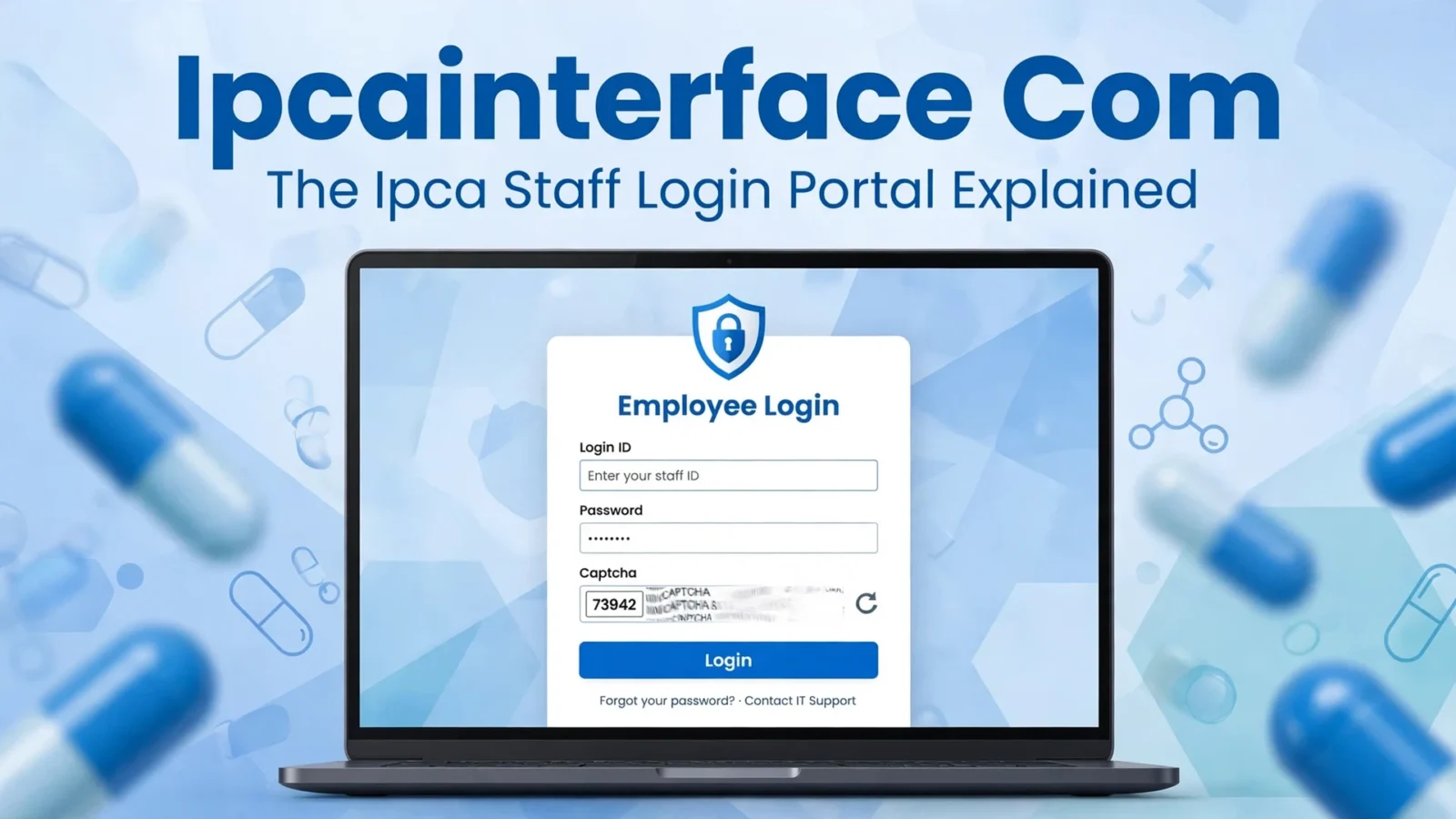
Ipcainterface com is a private staff login portal, not a public website. Its home page carries the name “Ipca” and shows only a sign-in box asking for a Login ID, a password and a captcha code. Nothing on it is meant for the general public. It is widely described as the internal work portal for people connected with Ipca Laboratories, the Indian pharmaceutical company.
So if you landed here from a search, the short answer is this: unless your employer has given you a Login ID, there is nothing for you to do on the site. Much like the platform in our previous explainer, it is simply a doorway, and the useful part sits behind it.
Table of Contents
- Who Uses Ipcainterface Com?
- Quick Facts
- What the Login Page Shows
- How Signing In Works
- What the Notices Reveal
- What We Could Not Verify
- Staying Safe With Work Logins
- Conclusion
- Frequently Asked Questions
Who Uses Ipcainterface Com?
The portal is for authorised users only. Guides around the web say it serves Ipca Laboratories employees, field staff and business partners. The login page itself does not spell out the full company name, but the modules it mentions fit that picture well.
Its maintenance notices refer to tools for doctor lists, daily call reports, stockists, secondary sales, tour plans, expenses and leave. Those are the everyday tasks of a pharmaceutical sales team, especially medical representatives who visit doctors and chemists.
In other words, ipcainterface com is a work tool. It is not a shop, a news site or a place to apply for a job.
Quick Facts
| Feature | Details |
|---|---|
| Web address | ipcainterface.com (also www.ipcainterface.com) |
| Page title | Ipca |
| Login page | Loads from www.ipcainterface.com/Ipcanew/index.php |
| Login fields | Login ID, Password, Captcha, Verify Code |
| Who can sign in | Users given an ID by the organisation |
| Helpdesk listed | helpdesk.ipca@anant.co.in, phone 8799929467 (shown on 23 November 2026) |
| Support company named | Anant Infomedia Pvt. Ltd. (in a site notice) |
| Browser advice on page | Google Chrome version 143 and above |
| Public sign-up | None found |
What the Login Page Shows
When we loaded the address on 23 November 2026, the main domain opened a simple frame that pulls in the real login page from the “Ipcanew” folder on the same domain. The page has a plain layout with a short form and a long list of notices.
The form asks for three things: your Login ID, your password and a captcha. There is a small refresh button for the captcha image, a “Forgot your password?” link and a “Messages” link.
There is no registration button. That tells you accounts are created by the organisation, not by visitors.
How Signing In Works
We did not log in, and we will not pretend to know what the dashboard looks like. What we can describe is the public part of the process.
- Type ipcainterface.com yourself into the address bar of an up-to-date browser.
- Enter the Login ID given to you by your company.
- Enter your password carefully. Passwords on work systems are usually case-sensitive.
- Type the characters shown in the captcha image into the verify box, then submit.
If the captcha is hard to read, use the refresh button to load a new one. If you have forgotten your password, use the “Forgot your password?” link on the official page, or contact the helpdesk listed there.
New staff should get their ID and first password from their manager, HR or IT team. Ipcainterface com does not offer a way to create an account yourself.
What the Notices Reveal
The login page carries a long run of maintenance messages, some old and some recent. They are useful because they show what the system does.
The notices mention modules such as Raise Advance Request, Secondary Sales, SDP, DCR, Leave, Doctor and Doctor Approval, Monthly Expense, Business Monitoring, Monthly Tour Plan and a Standard Visit Matrix. In pharma sales, DCR commonly stands for daily call report, the record a representative files after visiting doctors.
The newest notice we saw said the IPCA Interface would be unavailable on Monday, 20 July 2026, from 3:00 PM to 3:30 PM for scheduled security maintenance. Older ones go back to 2014, including one from Anant Infomedia about an election-day holiday in Goa. That suggests the portal has been in use for well over a decade.
What We Could Not Verify
Several blog guides about ipcainterface com describe features such as OTP codes, salary slips, attendance records, mobile apps and multi-factor login. We could not confirm any of those from the public page, so treat them as unverified.
We also found guides listing a different helpdesk phone number from the one on the live page. Always use the contact details shown on the official login page itself, since those can change.
One guide even claims the name stands for a technical acronym. Nothing on the site supports that. “Ipca” is simply the name shown at the top of the page.
Staying Safe With Work Logins
Company portals are a favourite target for fake login pages, because one stolen password can open a lot of business data.
- Only enter your Login ID and password on the real ipcainterface.com domain. Check the spelling of the address before you type anything.
- Do not sign in through links in random emails, messages or blog posts. Type the address yourself.
- Never share your password with anyone claiming to be “support” on a phone call or chat.
- Avoid saving the password on a shared or public computer, and log out when you finish.
- If something looks different from usual, stop and check with your IT team first.
Ipcainterface com is meant to be private, so a little caution protects both you and your employer.
Conclusion
Ipcainterface com is a closed login portal named Ipca, used for internal pharma sales and staff work. There is nothing to see without a company-issued Login ID.
If you do have access, sign in only on the official domain and use the helpdesk shown there. For general background on how companies and their systems are organised, trusted reference sources are a sensible next stop.
Frequently Asked Questions
What is ipcainterface com?
It is a private login portal titled Ipca. It is widely described as the internal work system for Ipca Laboratories staff and partners.
Can anyone create an account on ipcainterface com?
No. There is no public sign-up. Login IDs are issued by the organisation.
What do I need to log in to ipcainterface com?
You need your Login ID, your password and the captcha code shown on the page.
What should I do if I forget my password?
Use the “Forgot your password?” link on the official login page, or contact the helpdesk details listed on that page.
Is there an official ipcainterface com mobile app?
We could not confirm one. Some blogs mention an app, but nothing on the official page links to it.
Is it safe to log in to ipcainterface com?
It is safe on the real domain. Check the address carefully and never enter your details on look-alike sites or through unknown links.